Don’t crop it, recolour it or cover it with a logo. Leave the white border around it.
Paste your Google review link, add your business name, and download a clean sign you can print today. No account and no card required.
Not a raw QR code on a sheet of paper. RatingBud gives the review request hierarchy, spacing and print proportions so you only need to add your details.
Start with the review link. Then make the finished piece look good enough to leave on display.
Open your Google Business Profile on a computer, choose Read reviews → Get more reviews, then copy the review link. Paste that link here. Google currently says its own review QR download is desktop-only, which is exactly why this tool focuses on turning the link into branded finished materials.
Your logo stays on your device in this prototype.
Scan to leave us a Google review. It only takes a moment and really helps.
SVG is the sharpest option for professional printing. PNG is convenient for phones and social posts.
Scan the finished code with a second phone and confirm it opens the correct review form. Ask for genuine feedback broadly: don’t offer rewards for reviews or only ask customers you expect to be positive.
Don’t crop it, recolour it or cover it with a logo. Leave the white border around it.
Counter, reception, till or table usually makes more sense than somewhere customers walk straight past.
Scan the finished print with your own phone and make sure it opens the correct Google review page.
A QR code does the job. The design around it is what makes it feel like part of your business.
A review request works best when it doesn’t feel like work for the customer.
Use the direct Google review link for your business so the customer lands in the right place immediately.
Add the business name, logo and brand colour, then choose the sign style and size.
Download, print and place it on the counter, table, desk or wall. Always test the QR before printing a batch.
A review sign is part of the customer-facing space. Keep the QR obvious, but let the business branding and material do the rest.
For reception desks, garages, clinics and checkout counters.
Compact enough for cafés, restaurants, salons and waiting areas.
A cleaner alternative to a generic QR sticker or laminated sheet.
No. Google provides the review link for your Business Profile. RatingBud turns that link into finished branded materials.
Not for the basic sign. The main paid idea is a one-off Review Kit with the useful sizes already prepared.
No. Ask for genuine feedback broadly. Don’t offer incentives and don’t only ask customers you expect to leave positive feedback.
A branded counter display plus matching stickers for the places customers naturally pass — till, door, reception or window.
Leave your email and we’ll let you know when the printed Review Display Pack is ready to order. No payment now.
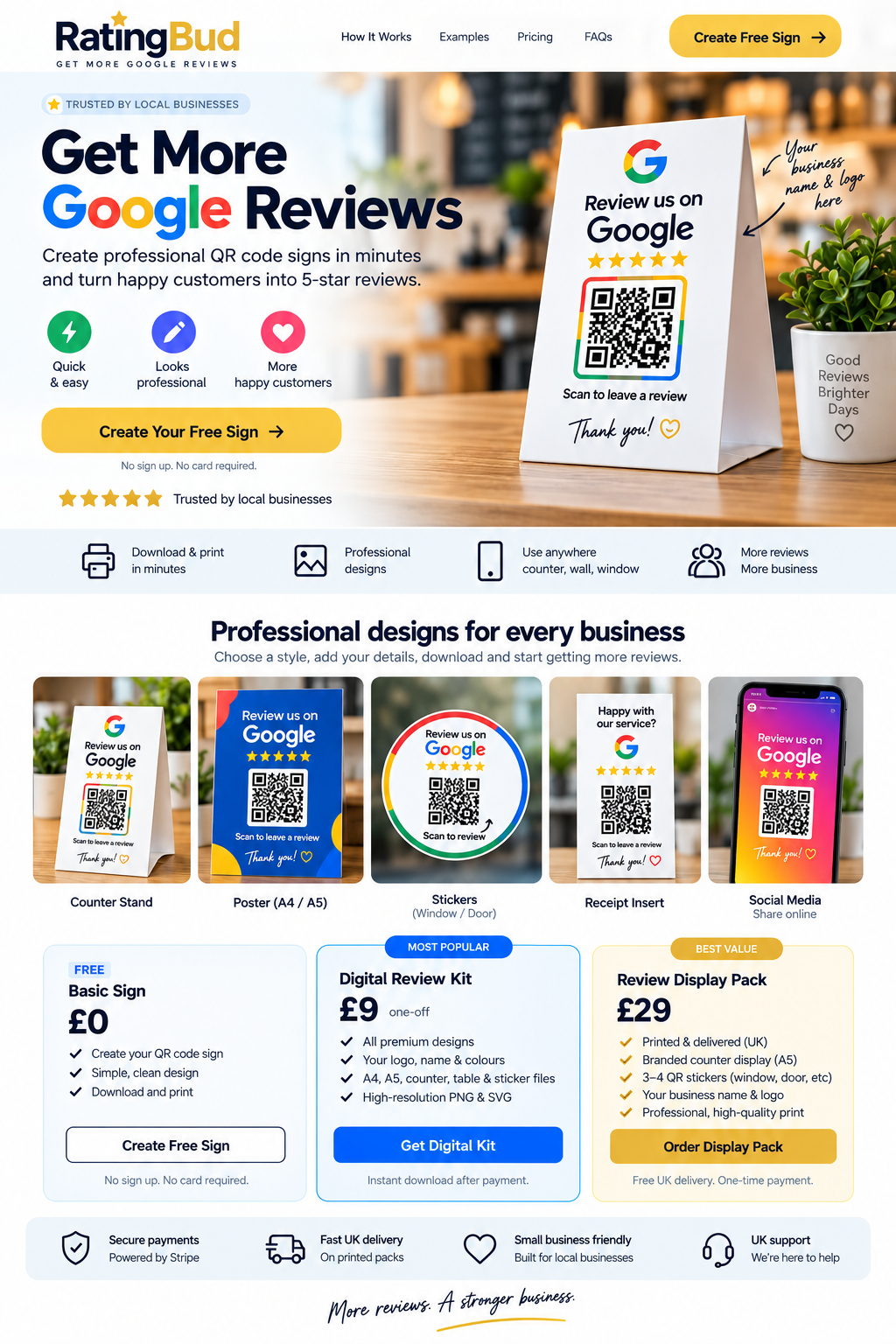
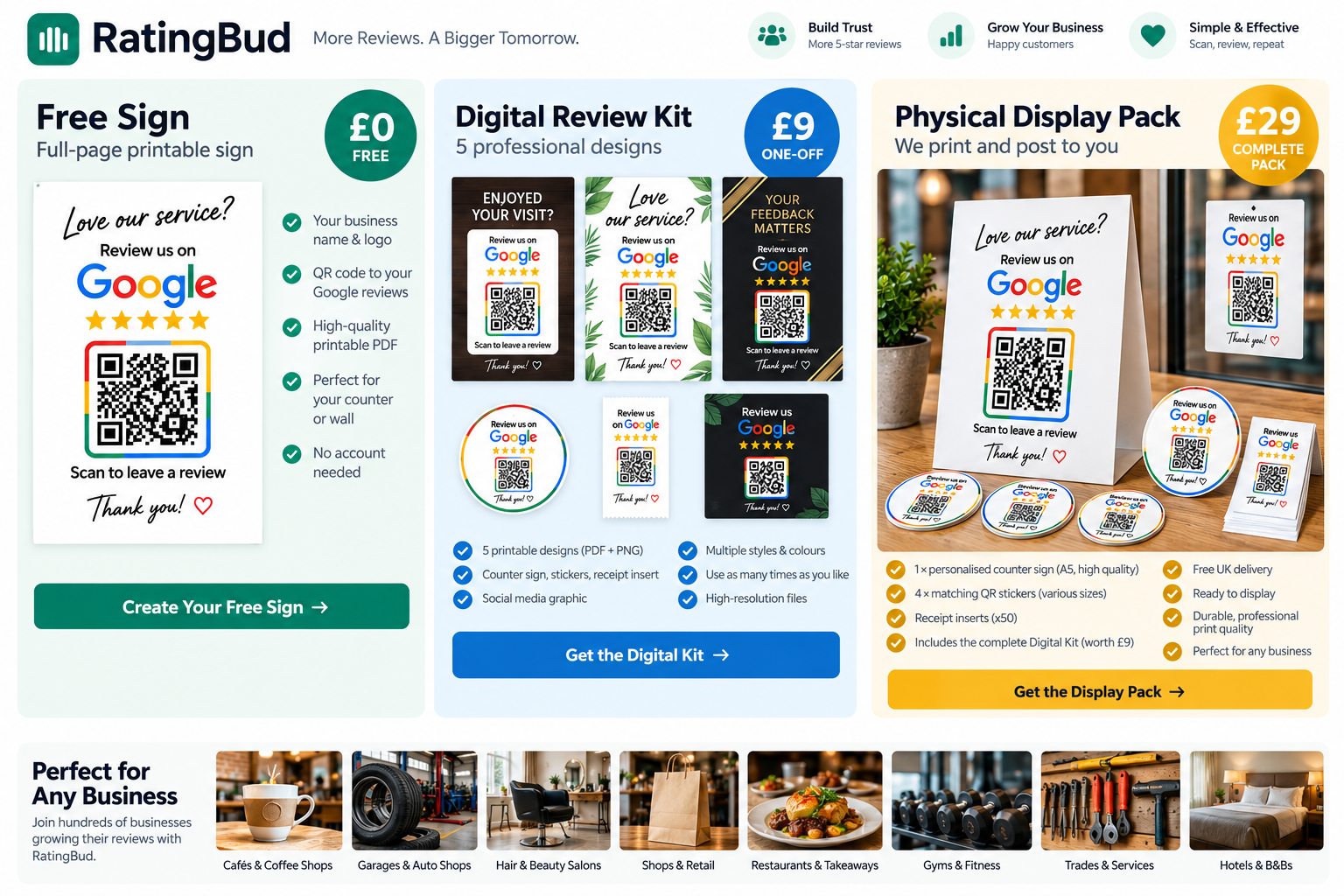
Start with a free printable sign. Upgrade to the £9 digital set, or join the list for the £29 branded counter display and sticker pack.
Make a clean Google review sign and print it yourself.
Your branding across the useful formats, ready to download.
A coordinated branded set you can actually put around the business.
The paid value isn’t the QR code. It’s getting a polished set of branded review materials without designing every size yourself.
For cafés, salons, shops, reception desks and anywhere the customer finishes the interaction.
A5, A4 and table-ready artwork using the same business branding and review destination.
A compact version that can travel home with the customer rather than relying on an in-store scan.
A matching digital asset for posts, messages and follow-up communication.
Choose the pieces you need. They all use the same review link, logo, colours and message.
Built for genuine customer feedback. RatingBud helps businesses make it easier for customers to reach their Google review page. Don’t offer rewards for reviews or selectively ask only customers likely to leave positive feedback.